A quiet place to think.
Free forever.
Markdown that renders diagrams, Typst and live HTML — plus drawings, task boards and end-to-end encrypted sharing. Free in your browser. No account.
Open Minimal NoteFree forever·No signup·Your notes stay on your device
Three editing modes. Switch between them anytime.
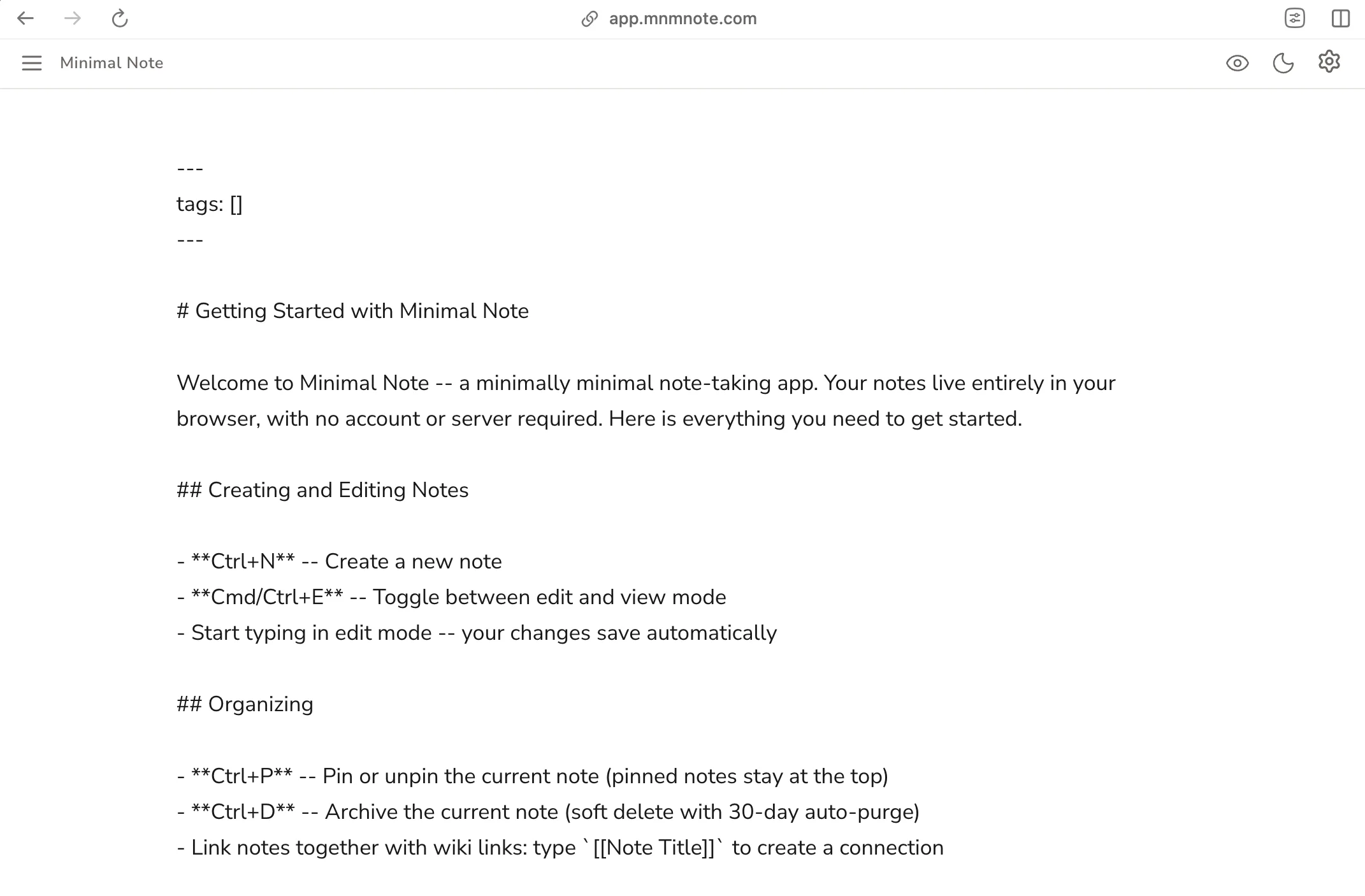
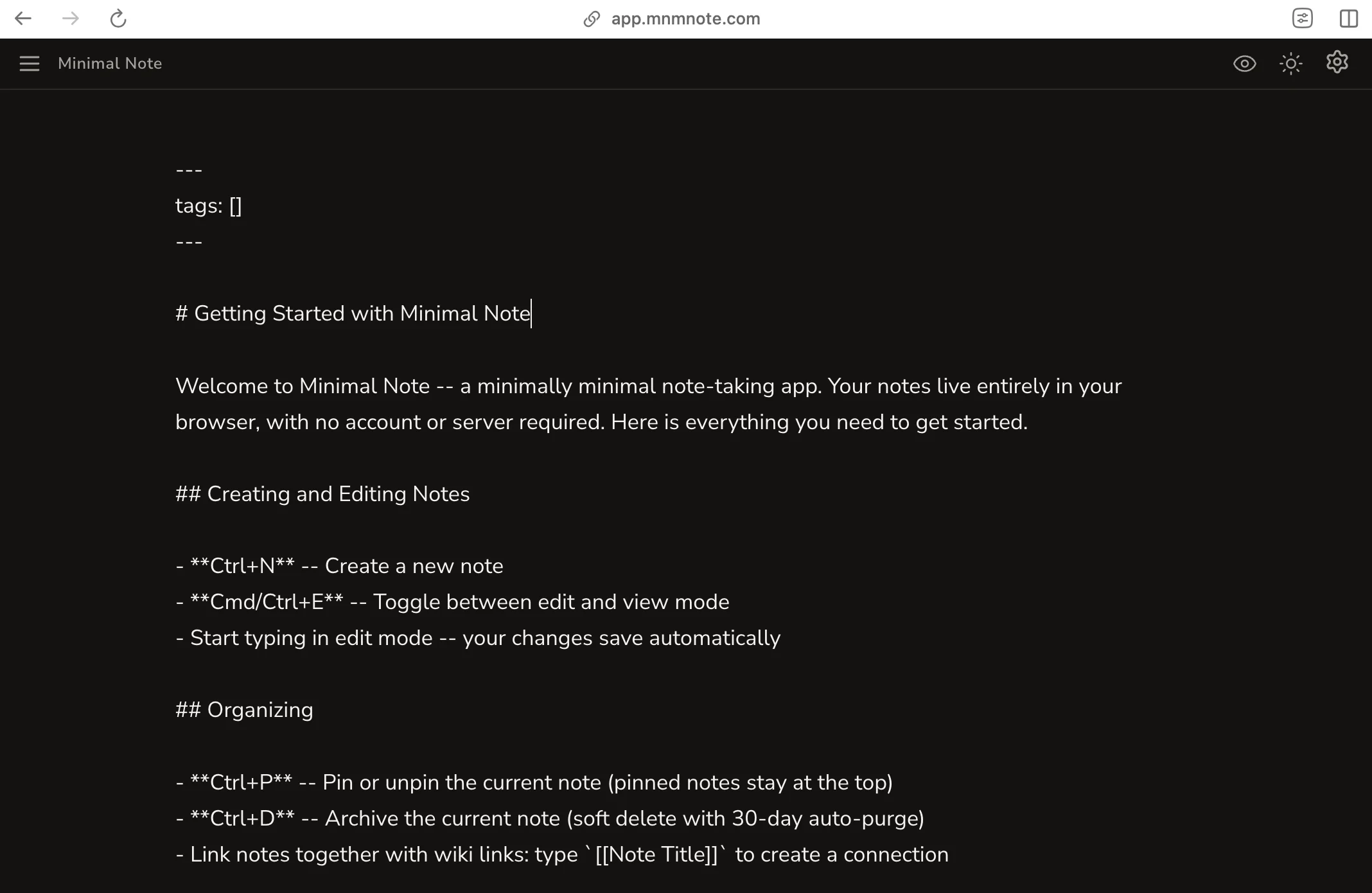
Plain text
Full control, nothing hidden.
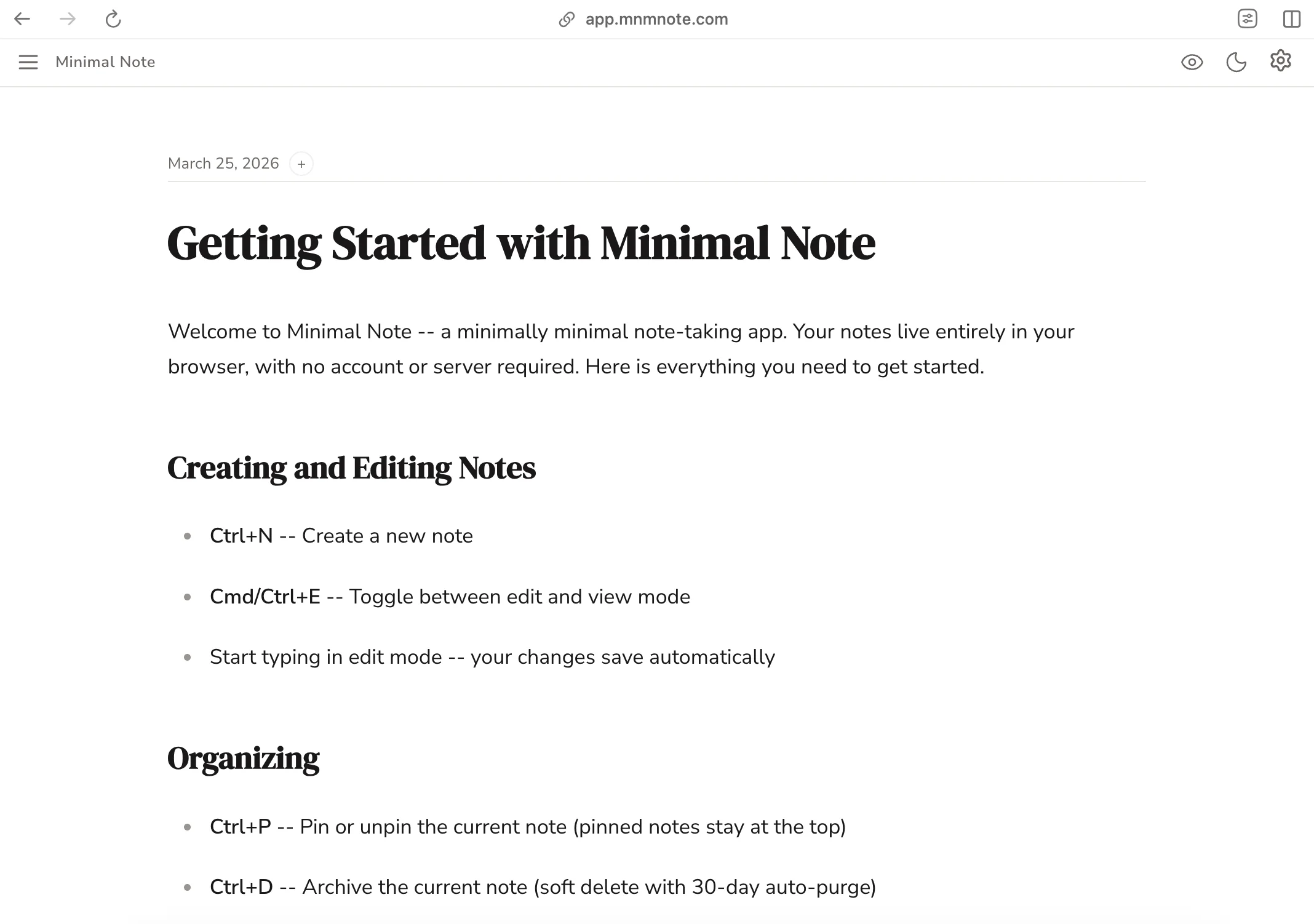
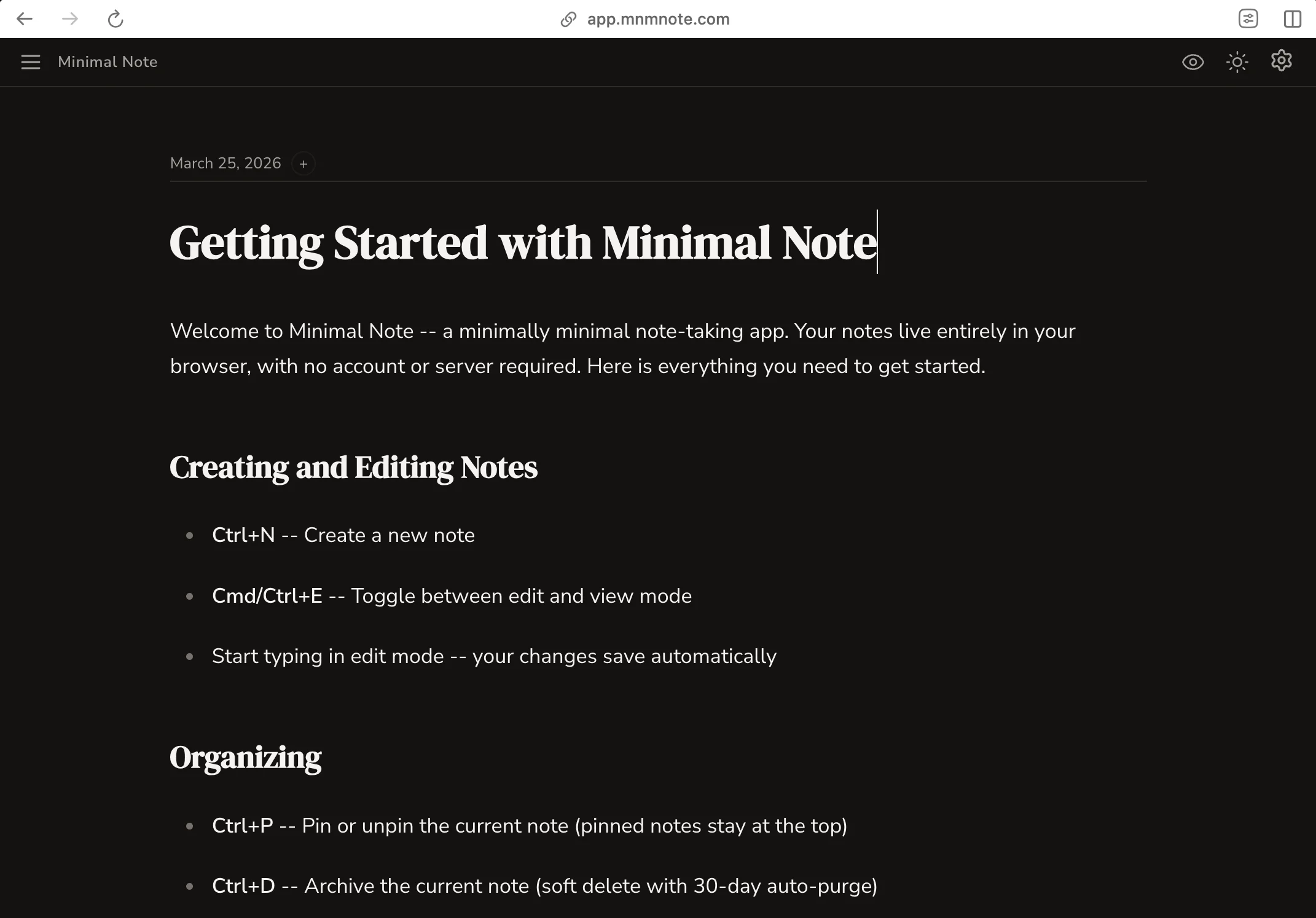
Rich editing
Type naturally, see it styled instantly.
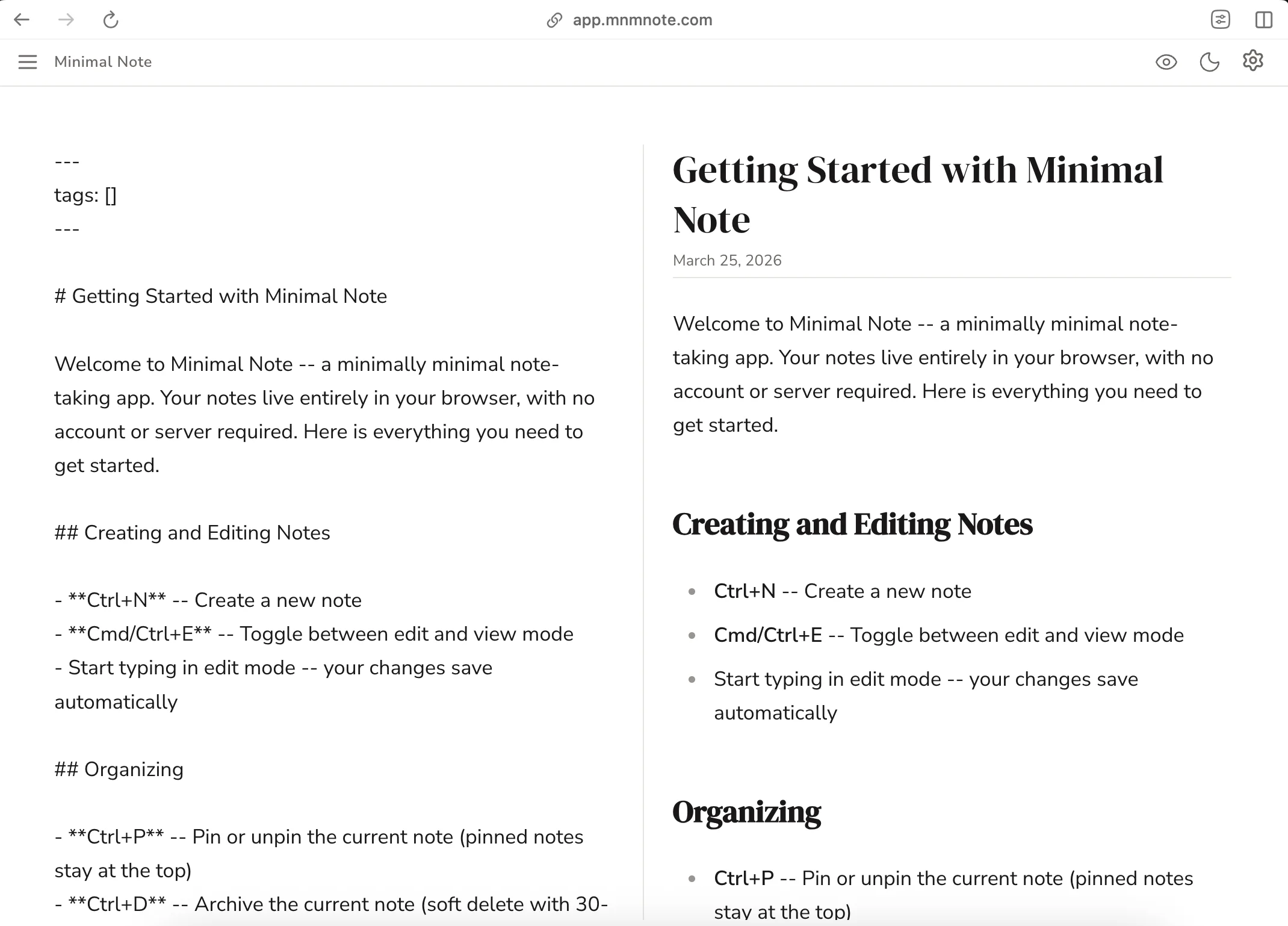
Side by side
Write on the left, preview on the right.
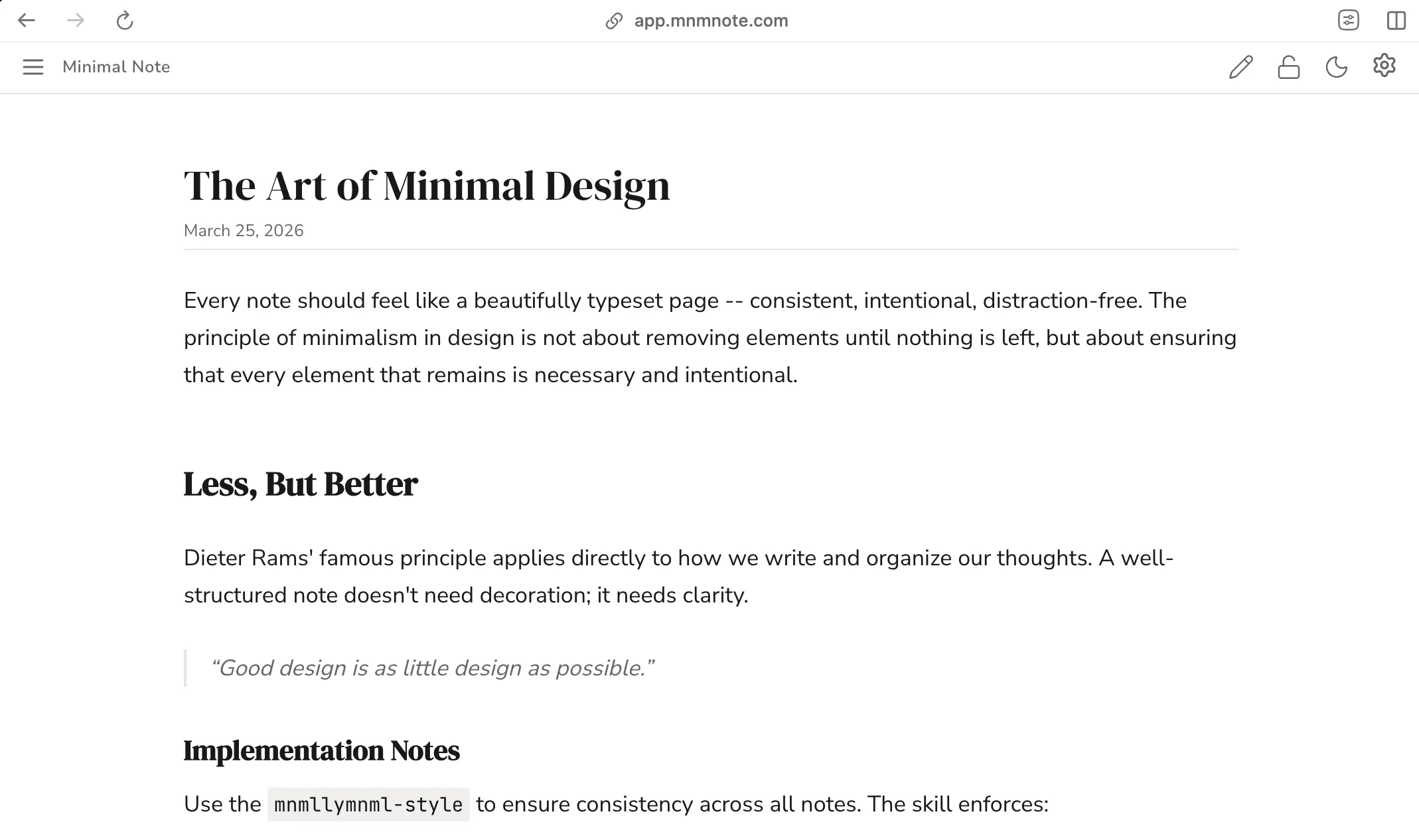
Every note feels like a typeset page. Serif headings, clean body text, generous whitespace. Your notes deserve to look this good.
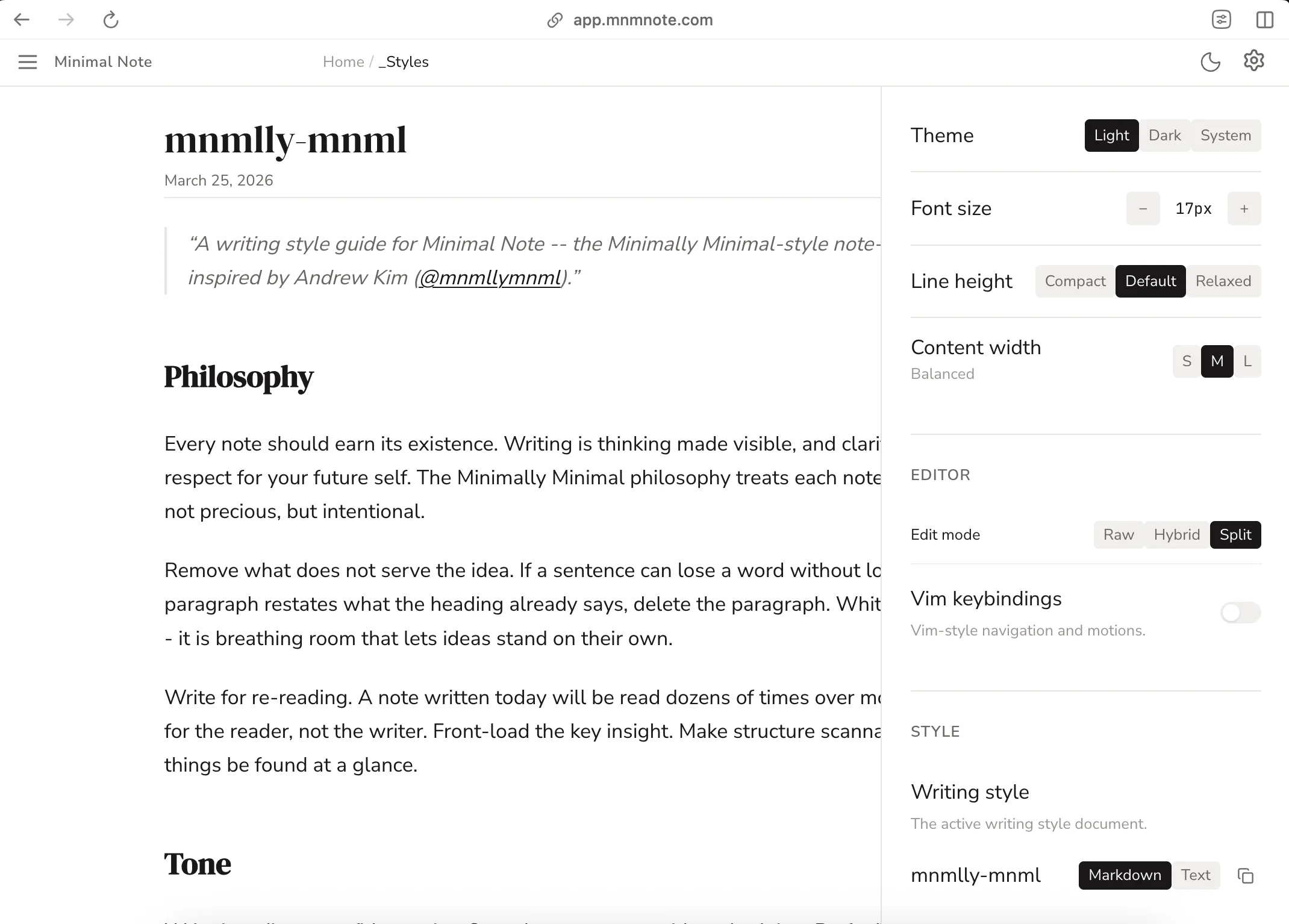
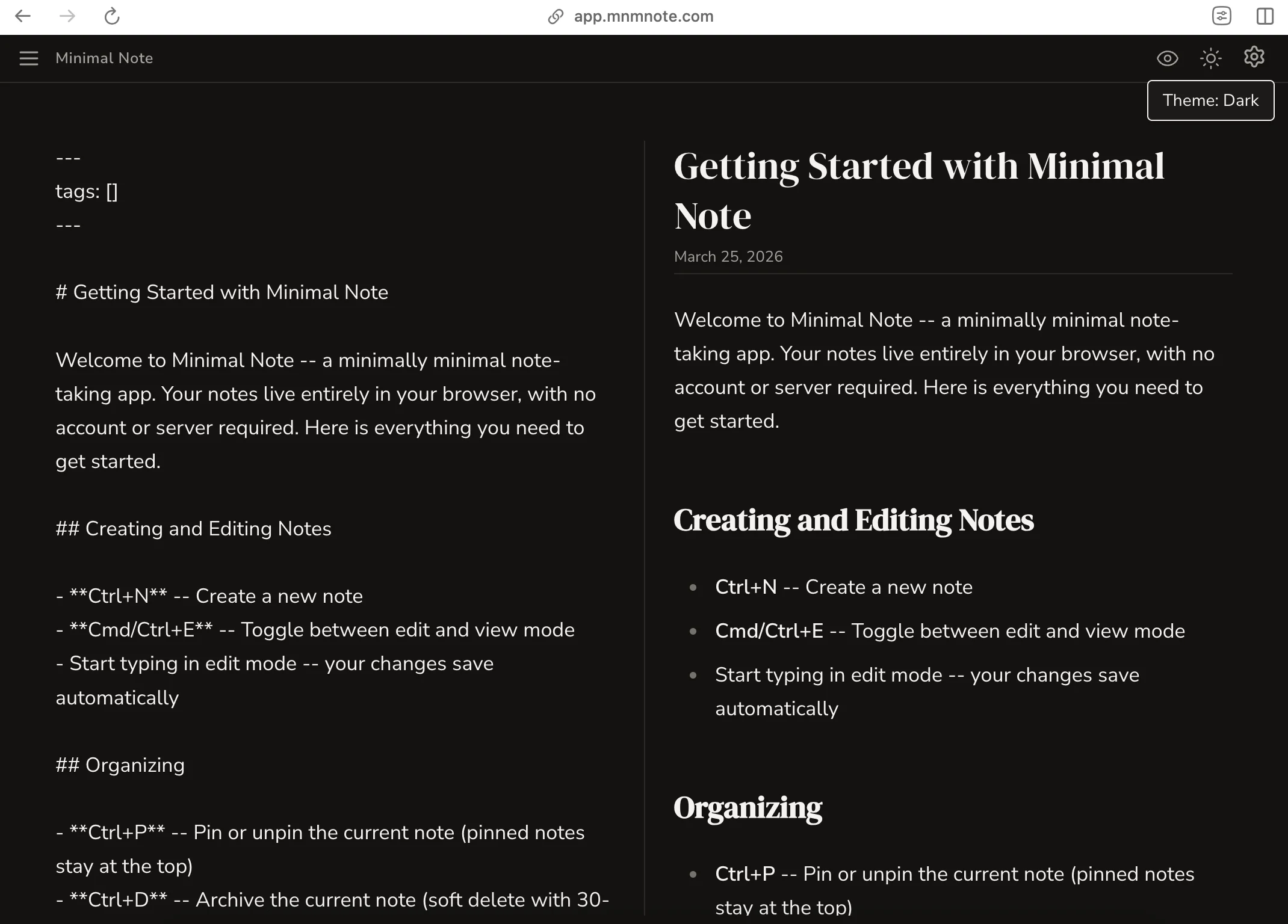
Make it yours. Dark mode, font size, line height, content width, Vim keybindings. Alongside them is the built-in Minimally Minimal style guide — copy it into any AI assistant to restyle a rough draft in the same quiet house style.
Beyond writing
The fastest way in. The most private way out.
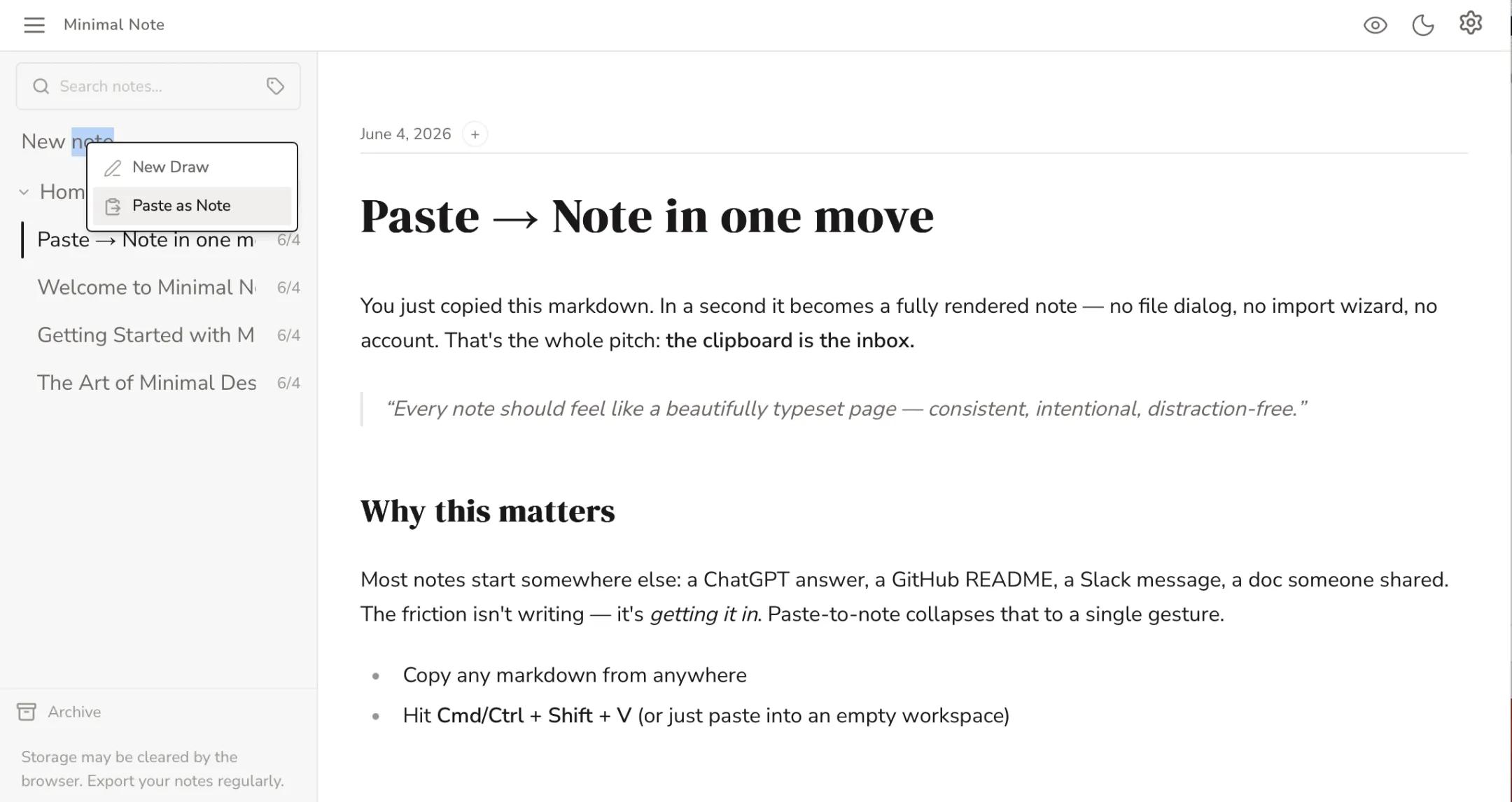
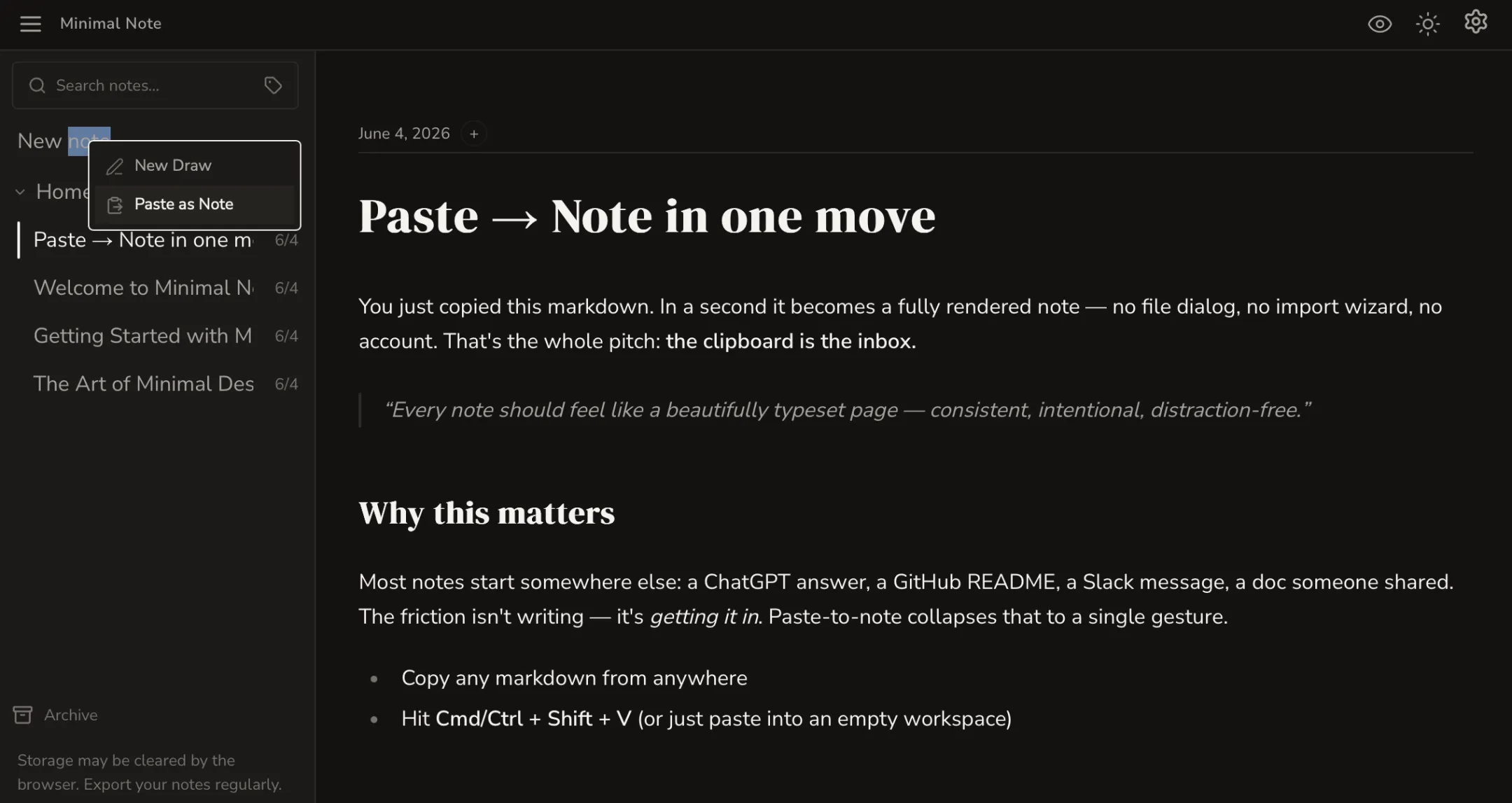
The clipboard is your inbox. Copy markdown from anywhere — a ChatGPT reply, a GitHub README, a doc someone shared — and one paste turns it into a fully typeset note. No import dialog, no cleanup. ⌘/Ctrl + Shift + V.
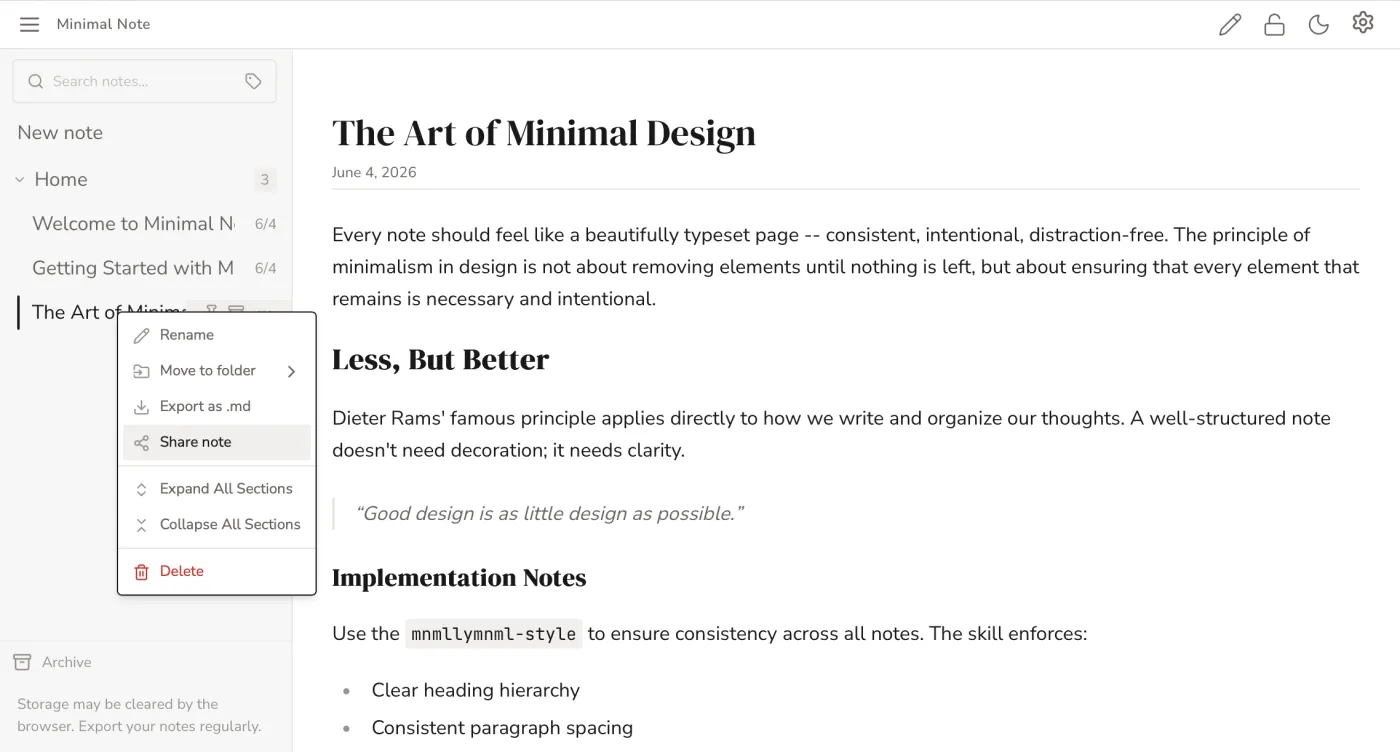
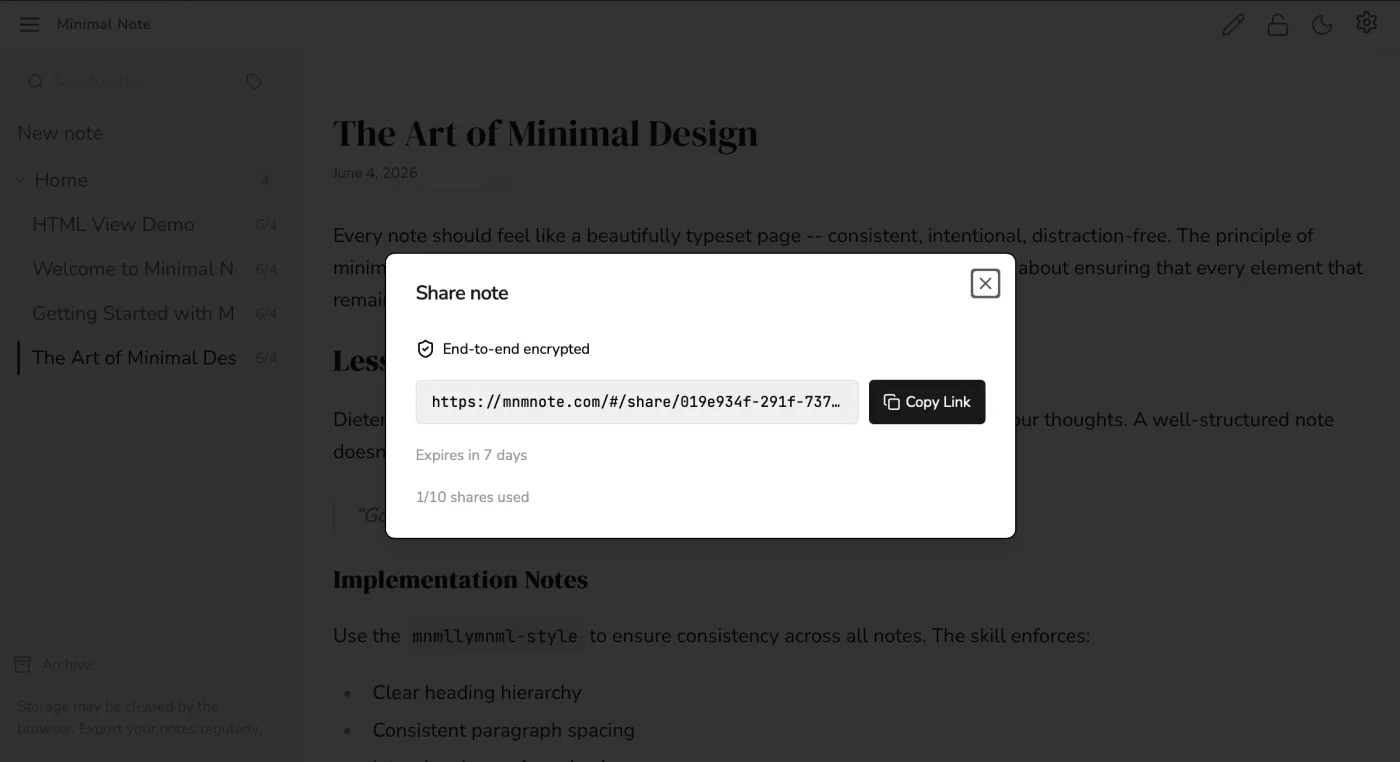
Share a note, not your privacy. Open any note, create a link, and it's end-to-end encrypted in your browser before it leaves. Anyone with the link can read it; no one else can — not even us. Free, no account.
Beyond the page
Markdown is the start, not the limit.
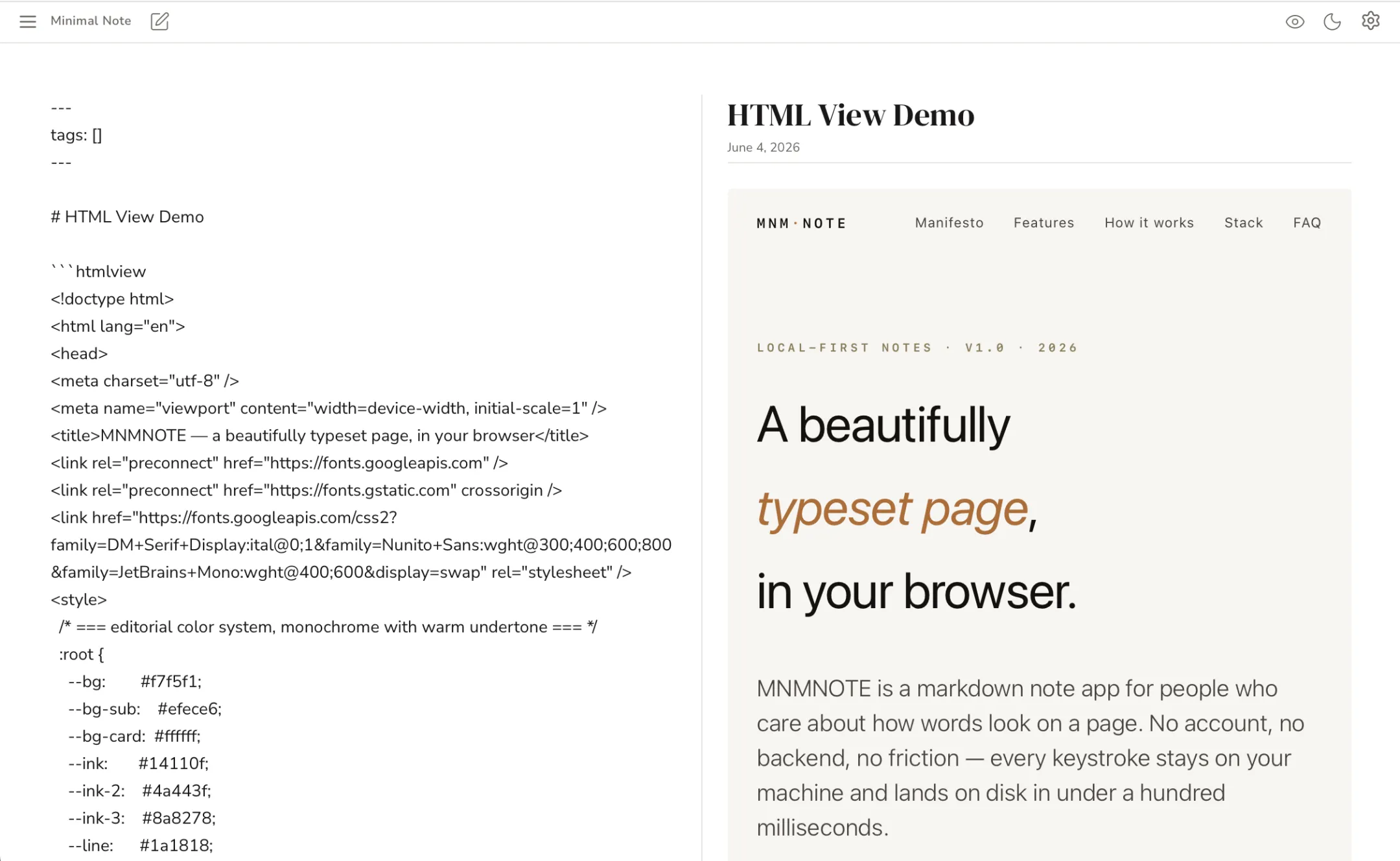
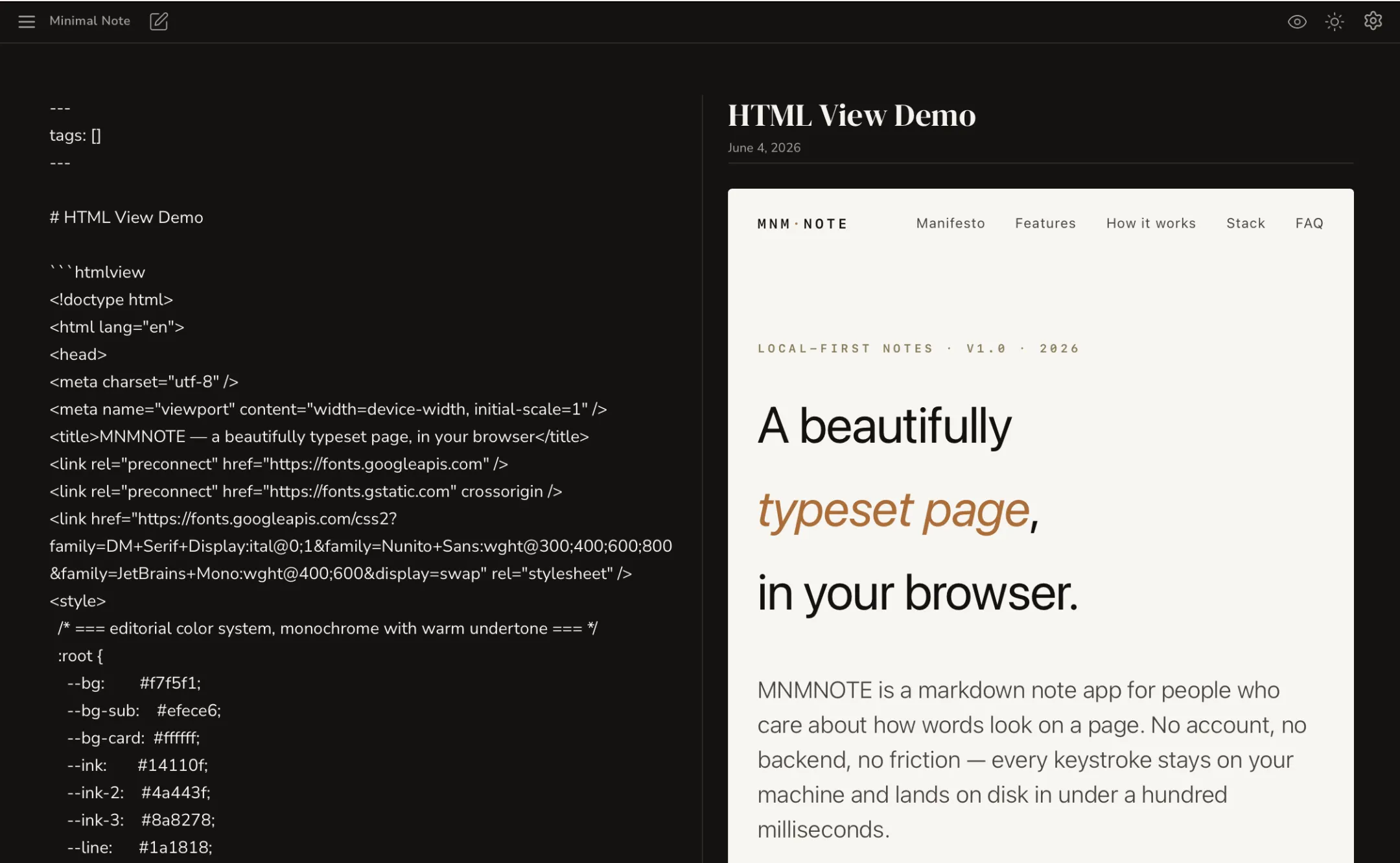
Drop in code that renders.
Wrap HTML in an htmlview block and it renders in place, safely sandboxed — add js and your JavaScript runs too. Write mermaid or d2 for diagrams, typst for math and typeset pages. The source stays in your markdown; the result appears in your note.
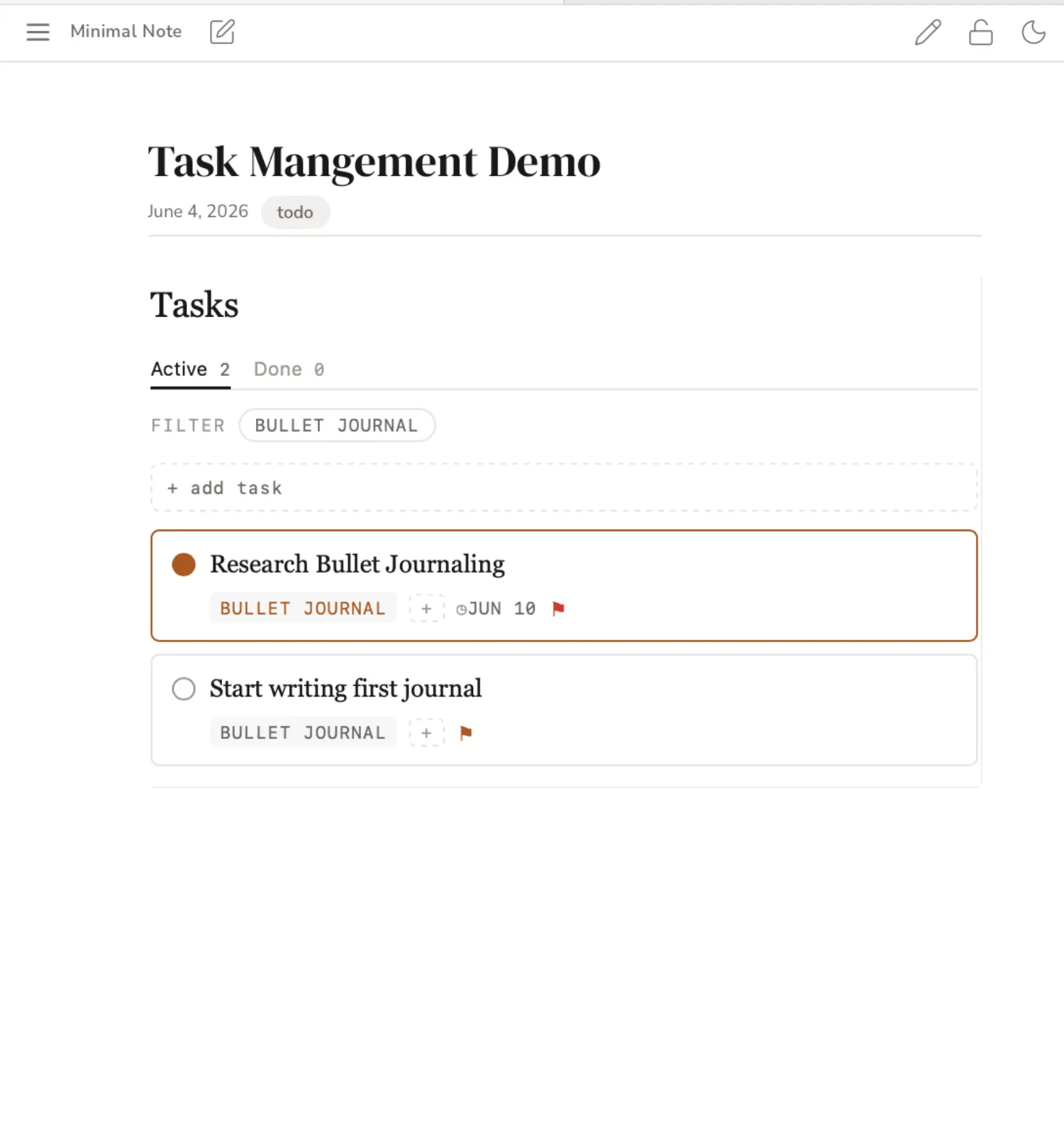
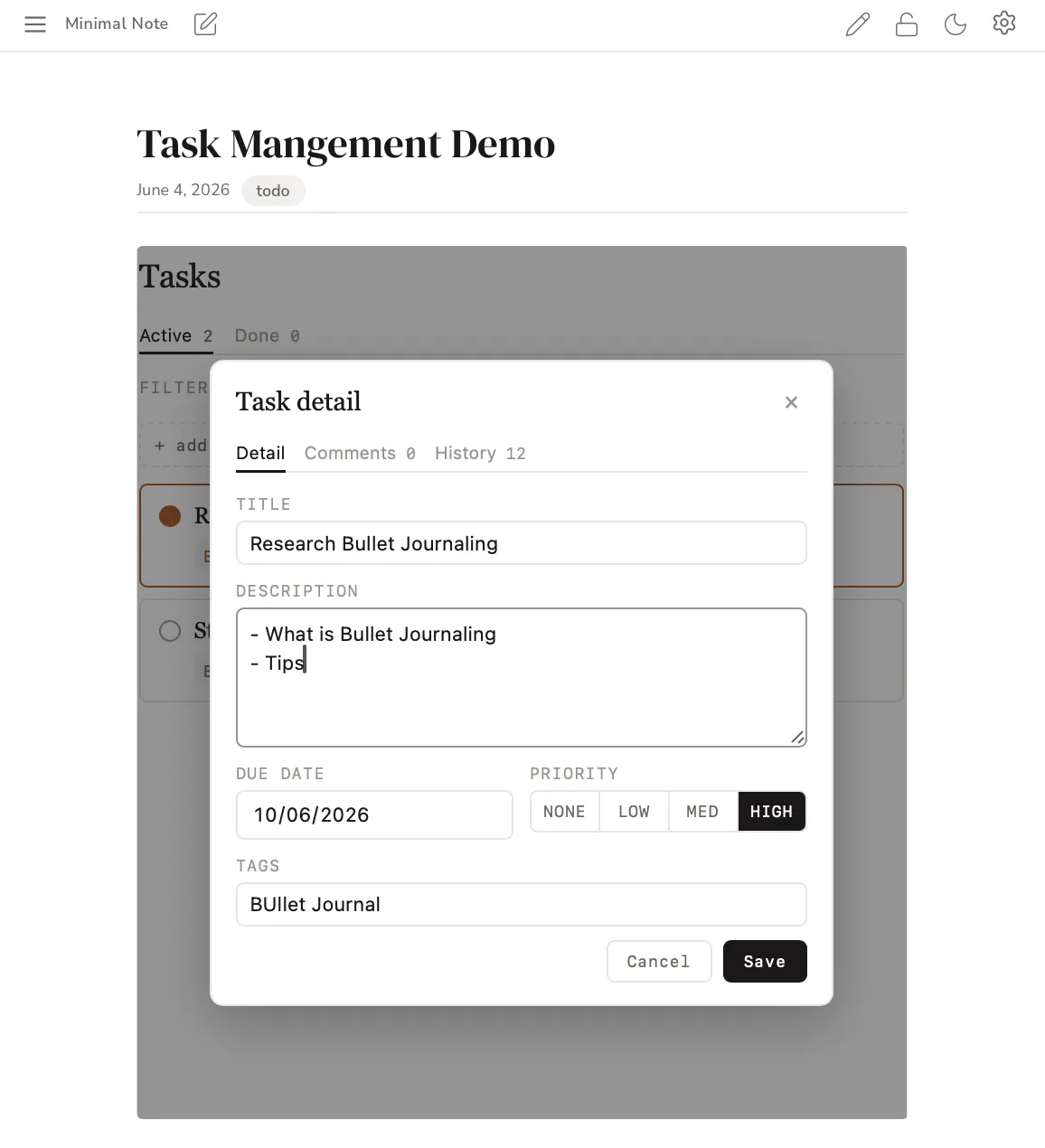
Notes that do the work. Turn any note into a task board — priorities, due dates, tags, comments, and a full history. Plan and write in the same place.
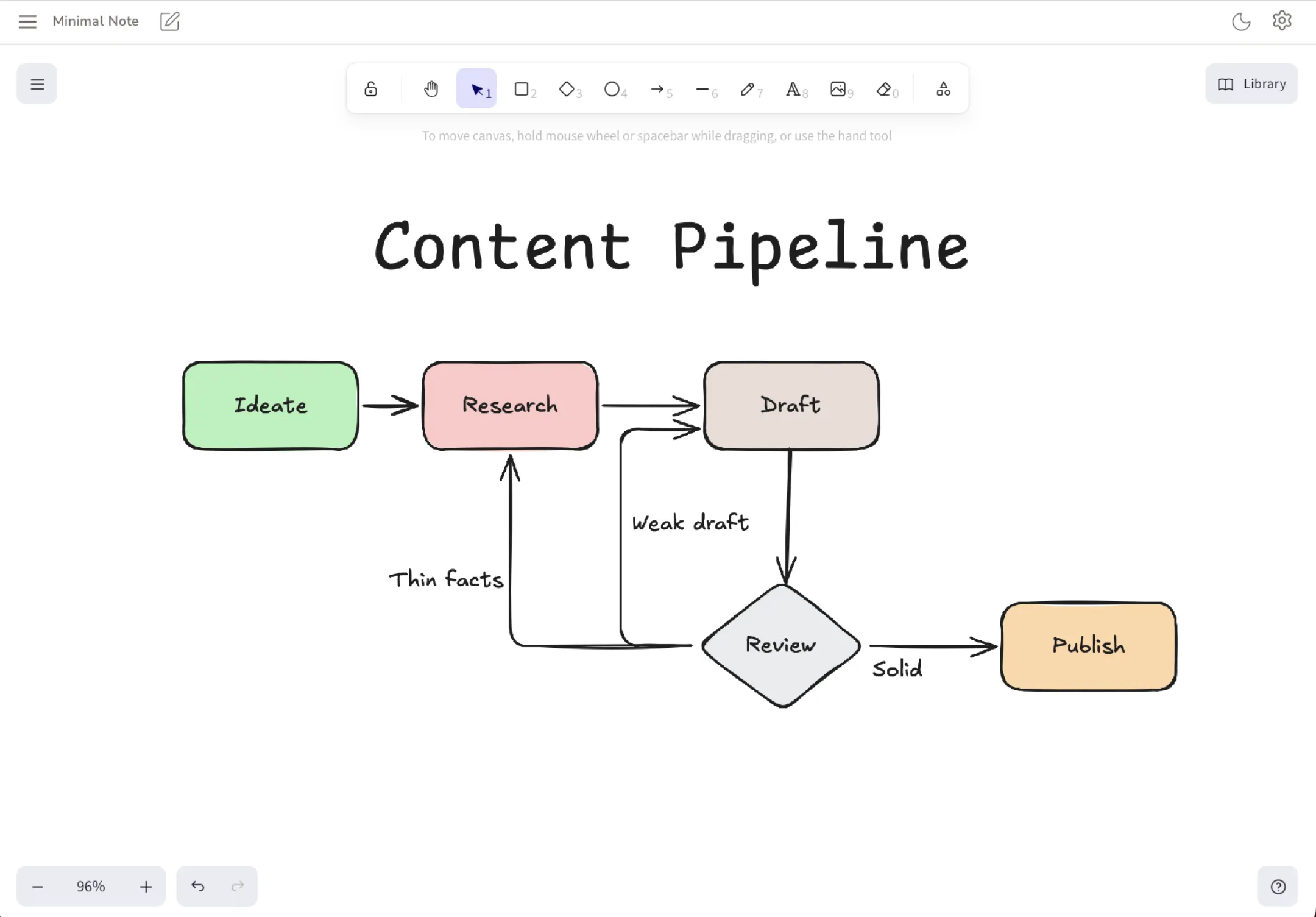
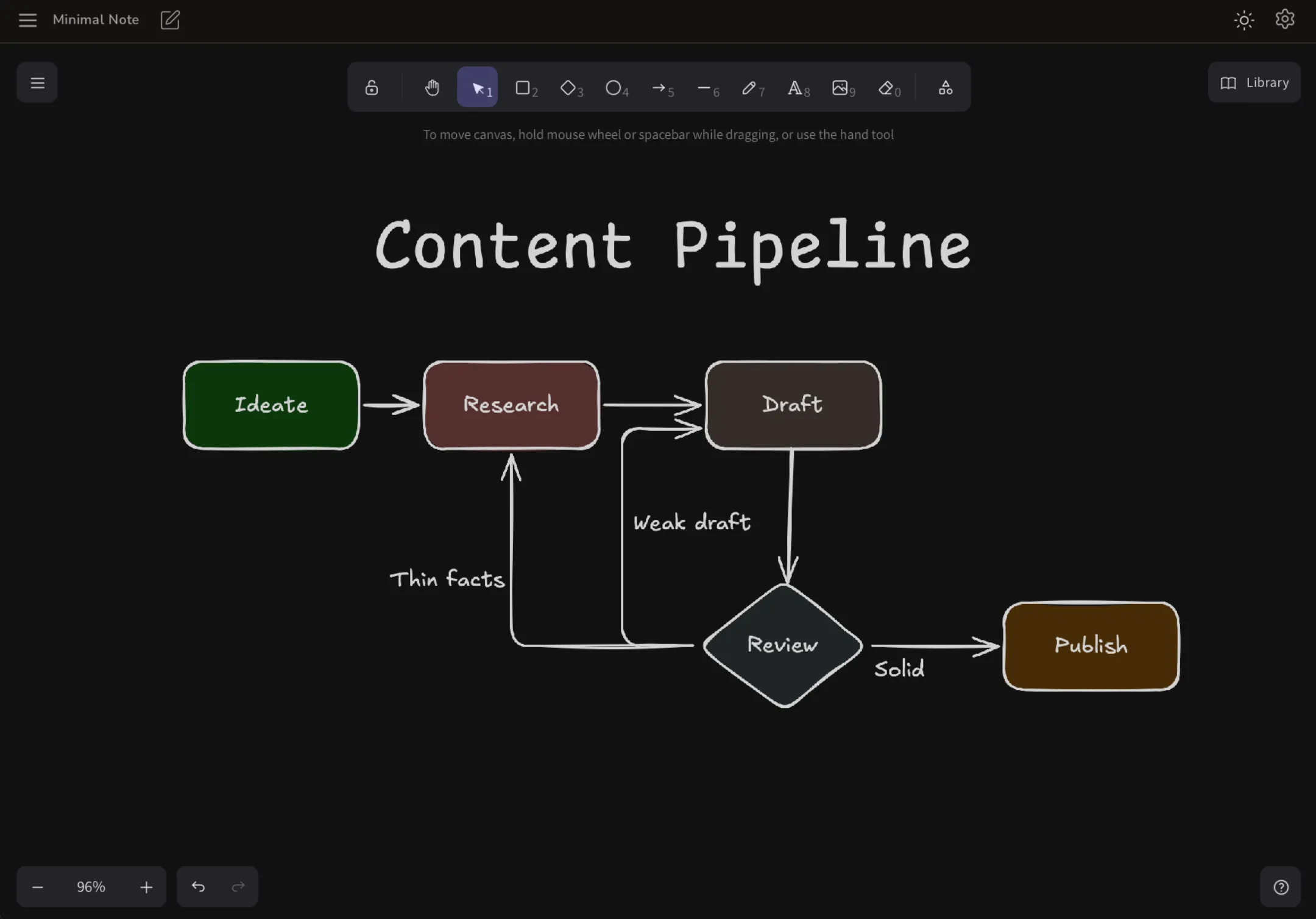
Think on a canvas. Sketch diagrams, flowcharts, and rough ideas on an infinite drawing board that lives right beside your notes — saved offline on your device, like everything else.
Everything you need. Nothing you don't.
Start writing.
No signup. No download. Just open your browser and go.
Open Minimal Note